Pensada para escritorio
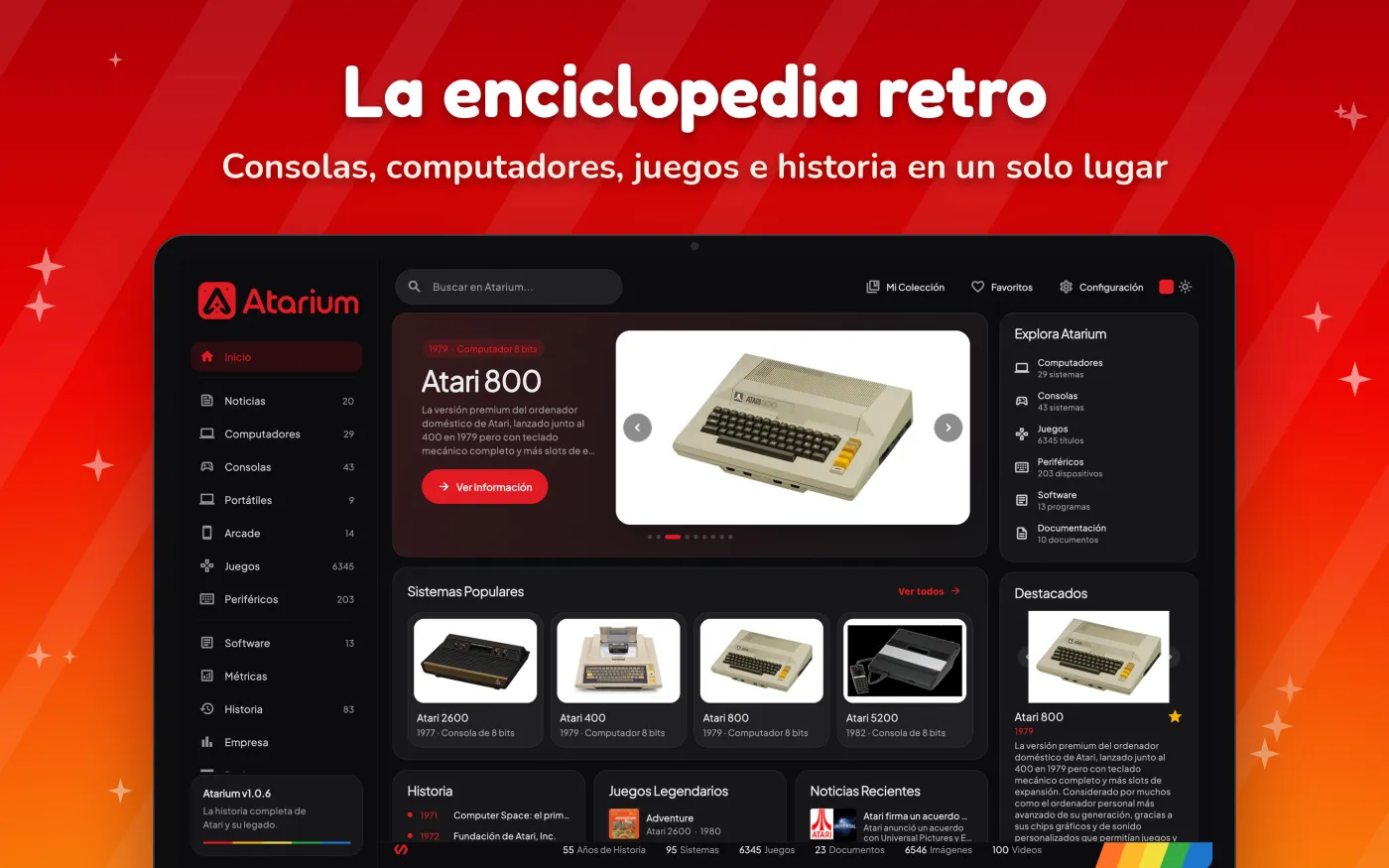
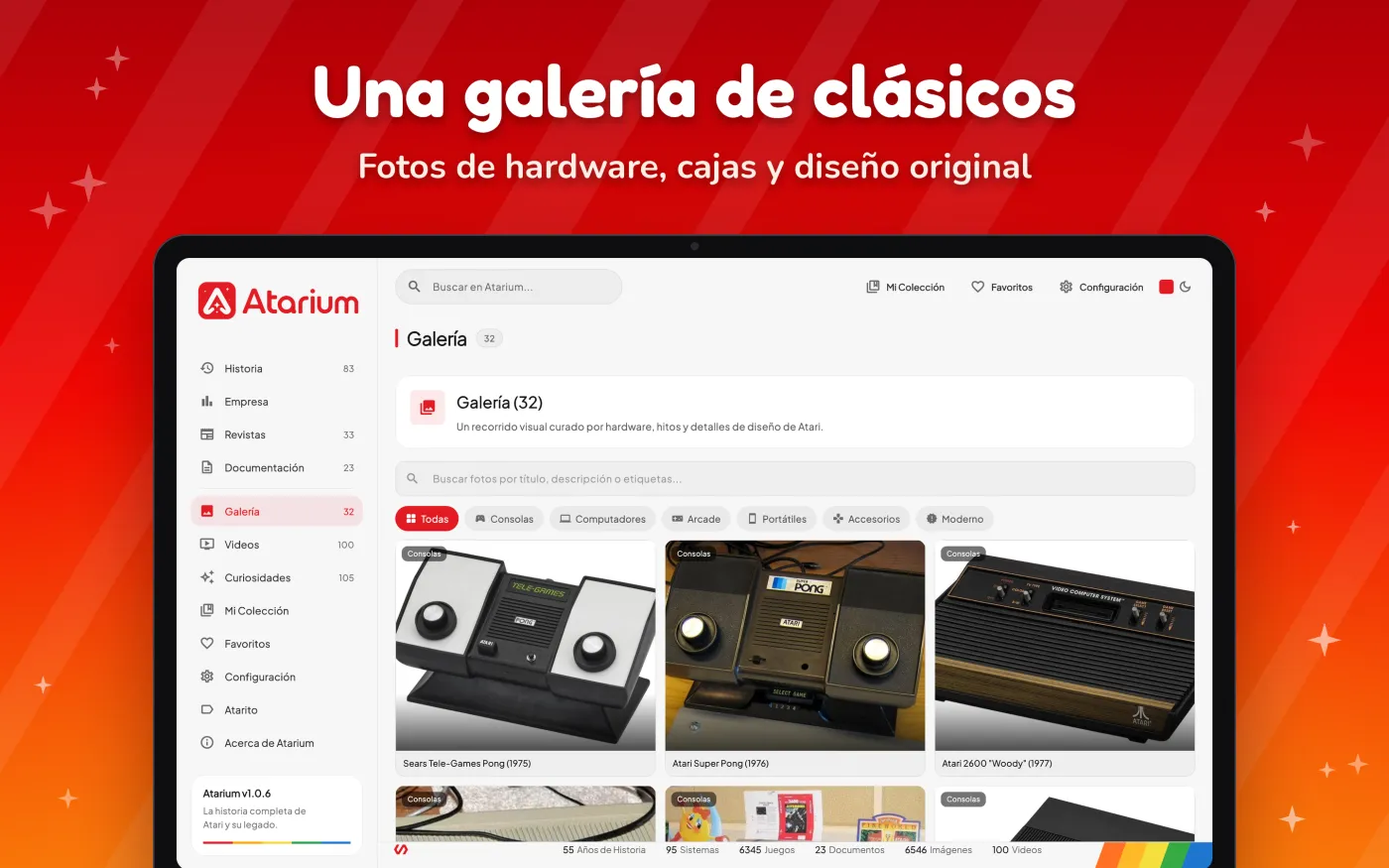
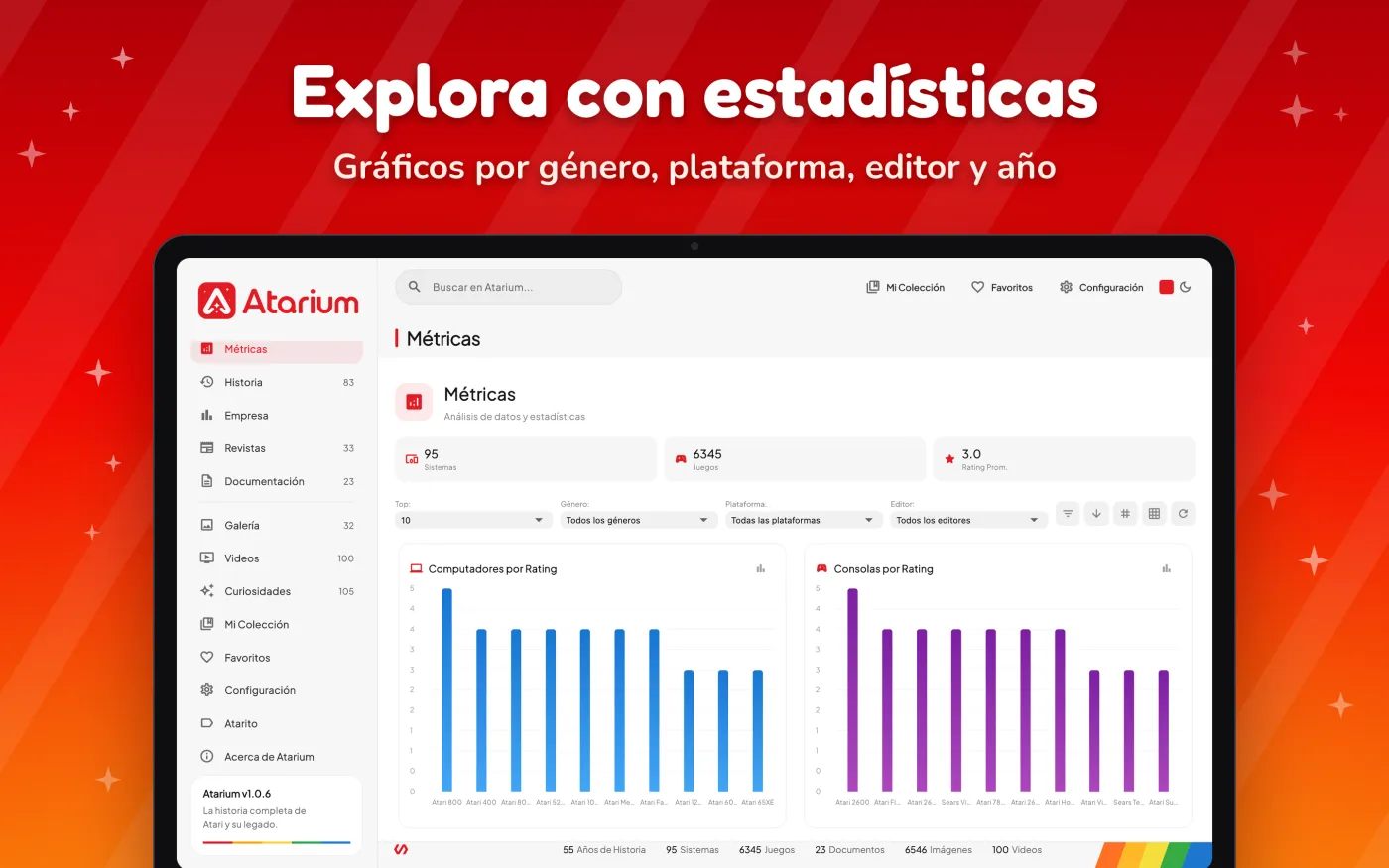
Menú lateral, paneles amplios y fichas completas a la vista, sin pasos extra.
La versión para Mac aprovecha el espacio con paneles amplios y la misma experiencia de la app. Disponible en la Mac App Store para Apple Silicon e Intel.

 Apple Silicon (M1 en adelante) e Intel
Menú lateral, paneles amplios y fichas completas a la vista, sin pasos extra.
Al instalarla desde la Mac App Store recibes cada versión nueva sin hacer nada.
Revisada por Apple, sin avisos de seguridad ni permisos especiales para abrirla.